
Potluck dishes, ranked by how fast they disappear. This is not a debate.
Thread, 7 posts
Threadgehog drafts them, learns from every approve, reject and view count, and runs on its own once it knows your taste.
14-day free trial. Cancel before day 15 and you won't be charged. Apple silicon Mac, macOS 14 or later.
1Get a fresh batch of drafts
"Write drafts" adds a fresh batch in your brand voice whenever you want more, from 3 to 50 at a time.
2Decide with one click
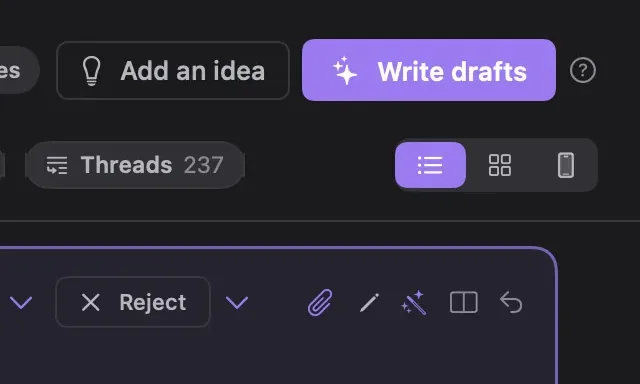
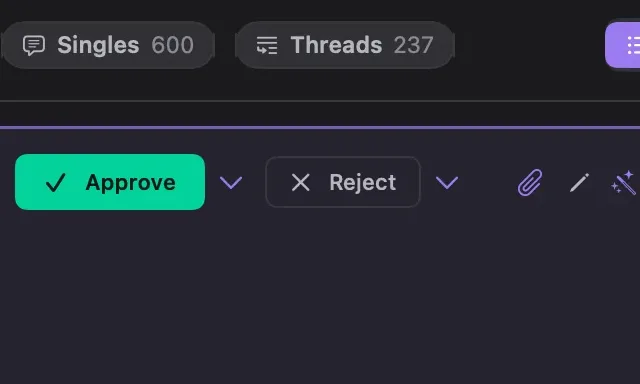
Approve moves a draft to your Queue and Reject moves it to Rejected. A and R do the same from the keyboard, and every yes and no teaches Threadgehog what to write next.

3Write whole threads
Each post in a thread stays in order and goes out as a real thread on Buffer, Typefully and Postiz.
4Add an image to any post
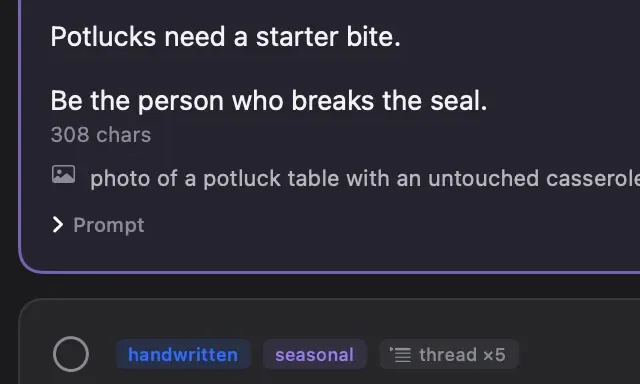
Attach your own image or video, or generate one with the images your plan includes, your ChatGPT subscription or your own API key. Posts with media go out through any of the five schedulers, with Cloudinary connected for Buffer and Metricool.
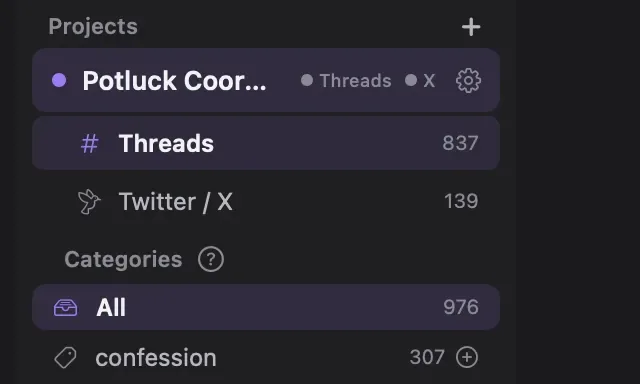
5Run each account as its own project
Each project has its own drafts and queue, split into Threads and X, and posts through your scheduler to its own accounts.
1 of 5
Hover or click a dot to see what it does.Swipe the cards, or tap a number.
Real posts from the Potluck Coordinator account, drafted in Threadgehog.
Every post below was drafted in Threadgehog and published by Potluck Coordinator, with the views each one earned.
110,833 views on these three posts
1Drafted from the project's brief
Somebody in your life had a loss and you want to bring food. Here's what actually helps.
56,997 views
Bring the thing that heats up in one dish.
Thread, 6 posts
2Approved in Pending with one click
Taken the same dish to every potluck for four years. Called it "my signature." It is the third result on AllRecipes.
22,532 views
3Sent from the Queue to the scheduler
The folding table has four crockpots plugged into one power strip and somebody needs to start telling the truth. Potluck opinions, from warm to scorched.
31,304 views
Store-bought brownies are welcome. Leave them in the plastic clamshell so nobody has to compliment your "recipe."
Thread, 6 posts
That's the heart of setup. Threadgehog writes from then on, and your scheduler posts what you approve.

Paste posts that worked.Paste links to 10 to 20 posts that did well in your niche, yours or anyone's. Threadgehog reads each post, or the whole thread. For X posts, paste the text. No time? Let Threadgehog research your product and niche instead, though posts you pick work better.
Say what you're promoting.Name it, say what it is and who it's for, and add your link. Then pick how many posts share the link, from 1 in 4 to every post. Setup ends by writing your first batch of 30 drafts.
Approve. Your scheduler posts it.Drafts wait in Pending. Approve the good ones and they line up in your Queue. While the app is open, Threadgehog sends them to Buffer, Typefully, Publer, Metricool or Postiz once a day, twice a day, every 6 hours or every hour.
Day-one drafts follow the style of posts your niche already replies to, so your first batch reads like posts that get replies.
Written by Threadgehog, posted by the Potluck Coordinator account
Made a dish nobody finished once. Brought it to the next three potlucks anyway. Told myself it was "growing on people."
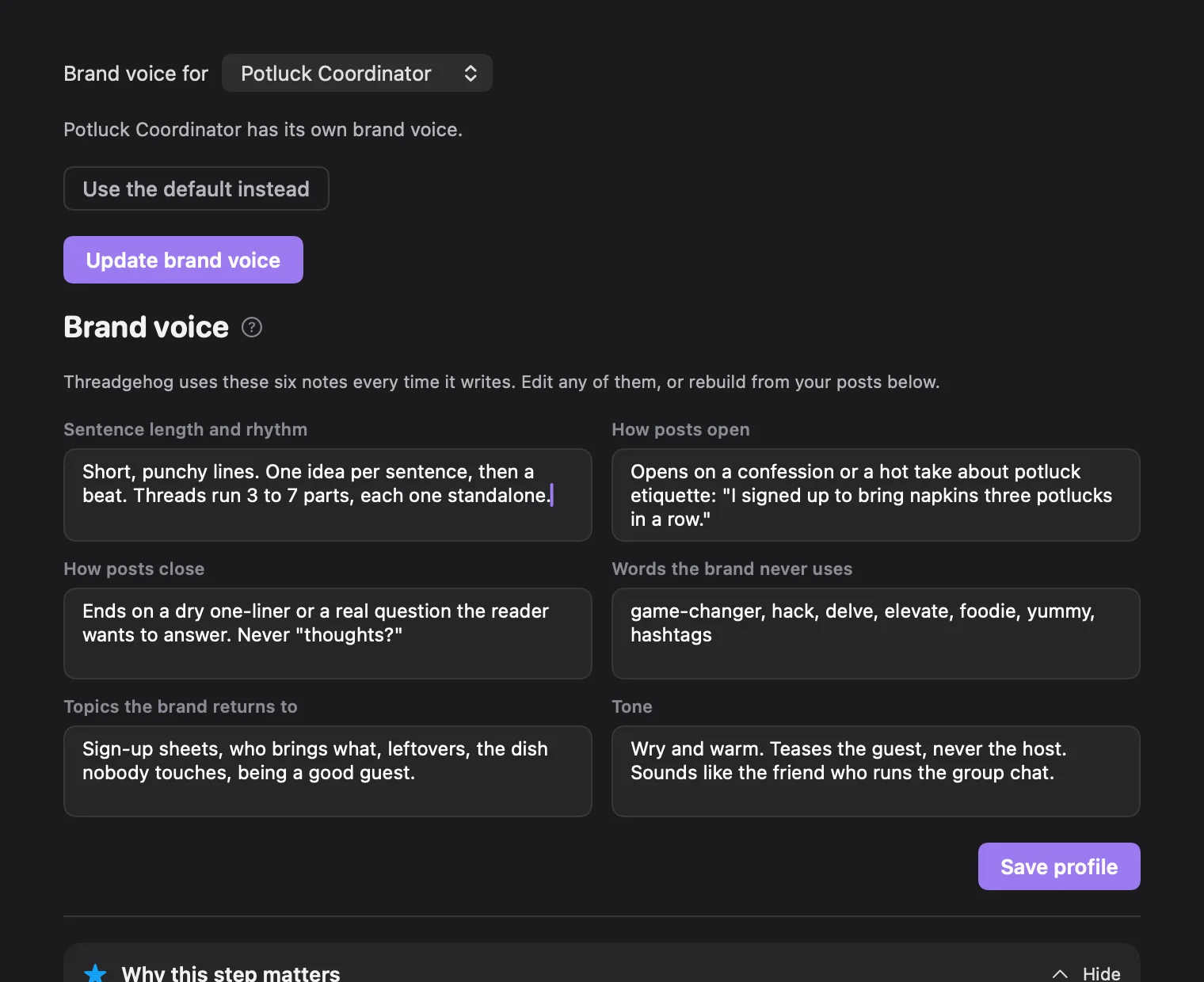
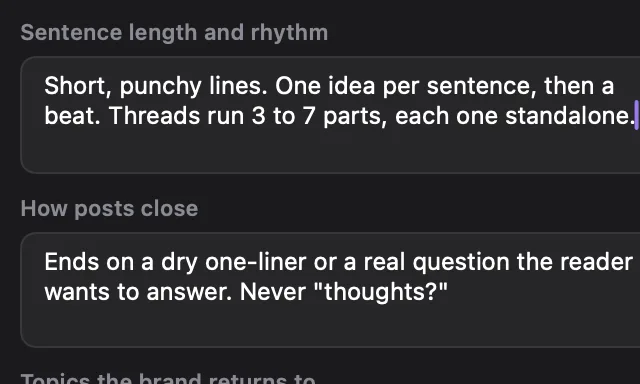
1Six notes, every draft
Sentence length, how posts open and close, words to leave out, topics and tone. Threadgehog uses all six every time it writes.
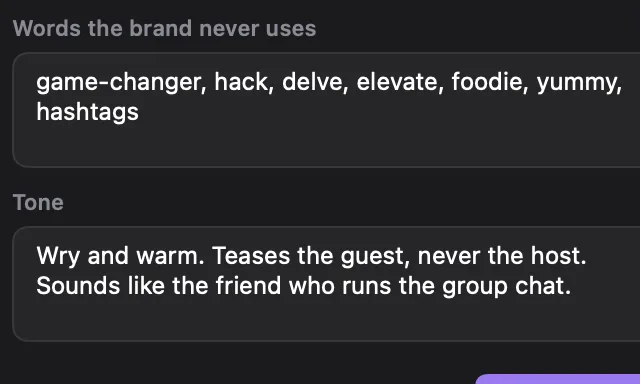
2Words the brand never uses
List them once and drafts leave them out.
3Edit it or rebuild it
Change any note by hand, or paste new posts and press Rebuild the brand voice.
1 of 3
Hover or click a dot to see what it does.Swipe the cards, or tap a number.
An example brand voice. Edit or rebuild yours any time in Settings > Brand voice.
Your approvals teach it your taste, and each post's numbers show it what people respond to.
Your first drafts follow the posts you picked in setup, so they start close to what already works.
Approve or reject each draft. Up to 8 of your latest approvals go along as examples, and on your plan's schedule it turns your choices into rules for the next batch.
Buffer, Publer and Postiz send back each post's numbers about once a day, and Metricool does for X. Once 3 posts beat your usual, most new drafts build on what they share, and the rest try something new.
Turn on Approve drafts automatically in Project settings. Once it agrees with you often enough, drafts it's sure you'd approve go straight to your Queue. The rest wait in Pending, and each one you review keeps teaching it.
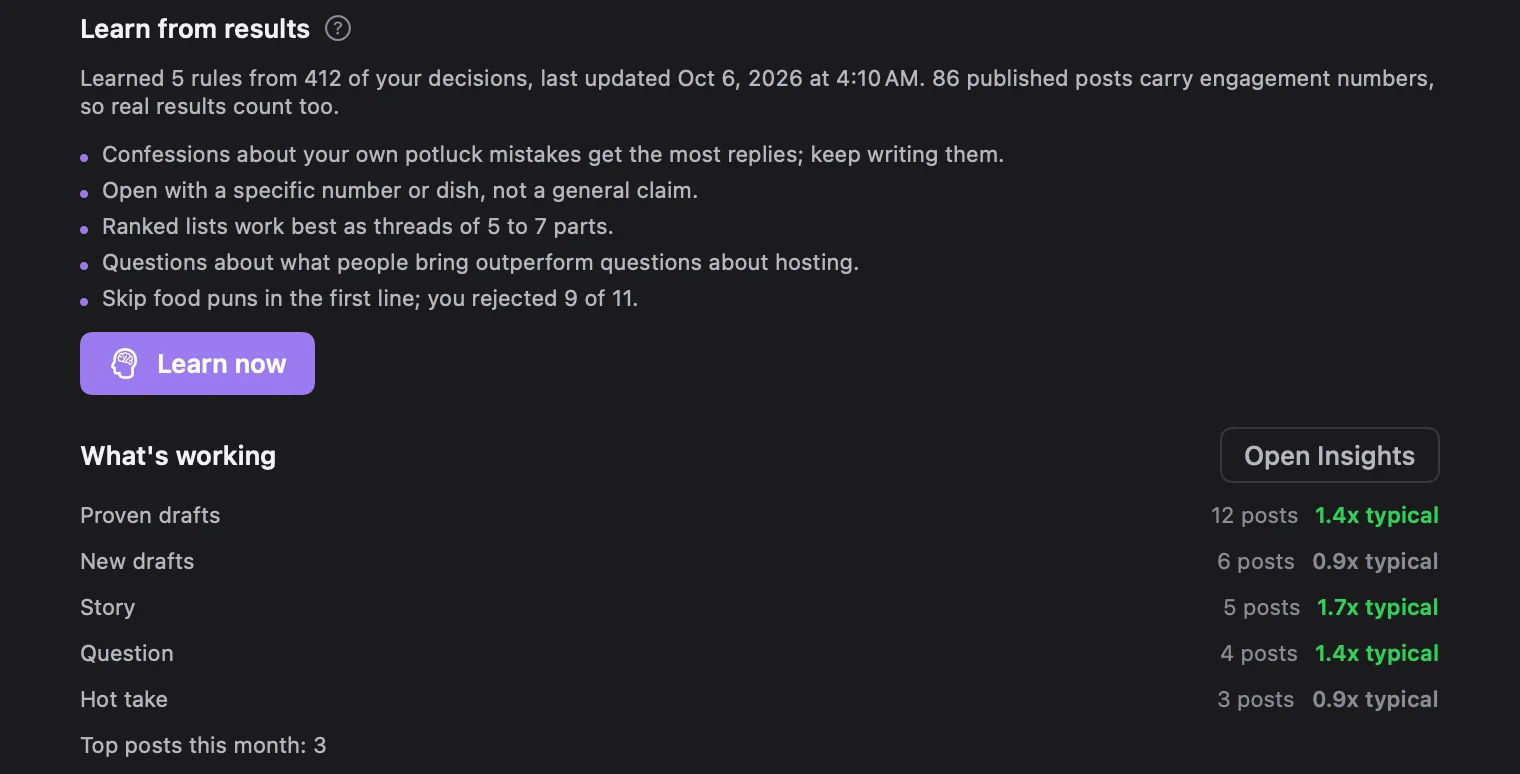
1Learn now
Reads your approvals, your rejections and your post numbers, then rewrites the rules the next drafts follow. Learning also runs on its own every day. With Threadgehog AI, your plan sets how often the rules are rewritten.
2What's working
Compares proven drafts, which build on your top posts, and new ones against your typical post.
1 of 2
Hover or click a dot to see what it does.Swipe the cards, or tap a number.
Example rules and numbers. Yours fill in as you review drafts and your posts go out.
Every plan includes Threadgehog AI drafts, so more posts a day uses more of your monthly drafts. For high volume, your own AI key has no draft limit: it's only text, so it stays cheap, though 100 or more a day adds up. Writing with your Claude or ChatGPT subscription uses that subscription's limits.
Apps, games, Shopify stores, Etsy shops, courses, newsletters and agencies all get posts written for their niche.
Tell Threadgehog what your app does, add its link, and paste posts that worked or let it research your niche. It drafts posts about your app in your brand voice while you get back to the next feature.
What it is
A Mac menu bar app that shows which open browser tab is using the most memory
Who it is for
People who keep dozens of tabs open and never know which one to close
What readers should do
Download the free version and try it on your own tabs
A regular post
Found the tab that was eating 4.2 GB of RAM. It was a recipe I opened in March. I have not made the recipe.
A thread that links to it
My MacBook fan has been running for 11 days straight. Activity Monitor says "Google Chrome Helper (Renderer)" 38 times, which is not helpful.
So I spent two weekends on a menu bar app that names the tab instead. It checks every open tab once a minute and puts the heaviest one at the top. Last night it was a Figma file I forgot I had open.
It's called Tabweight. Free, no account: [link]
Example posts written to show the style. Not from a real account.
Threads gets the warm, conversational version. X gets a punchier one, as a single post or a thread, whichever suits the idea.
A real six-post thread from the Potluck Coordinator account and the X version Threadgehog wrote from it.
Threads stay threads. Buffer, Typefully and Postiz post them as real threads on Threads and X.
Swipe mode shrinks Threadgehog to a small card that stays on top of your other apps. Swipe on your trackpad or press the arrow keys to approve or reject.
Swipe through drafts between tasks, let your AI agent send them, and check what's working when you like.
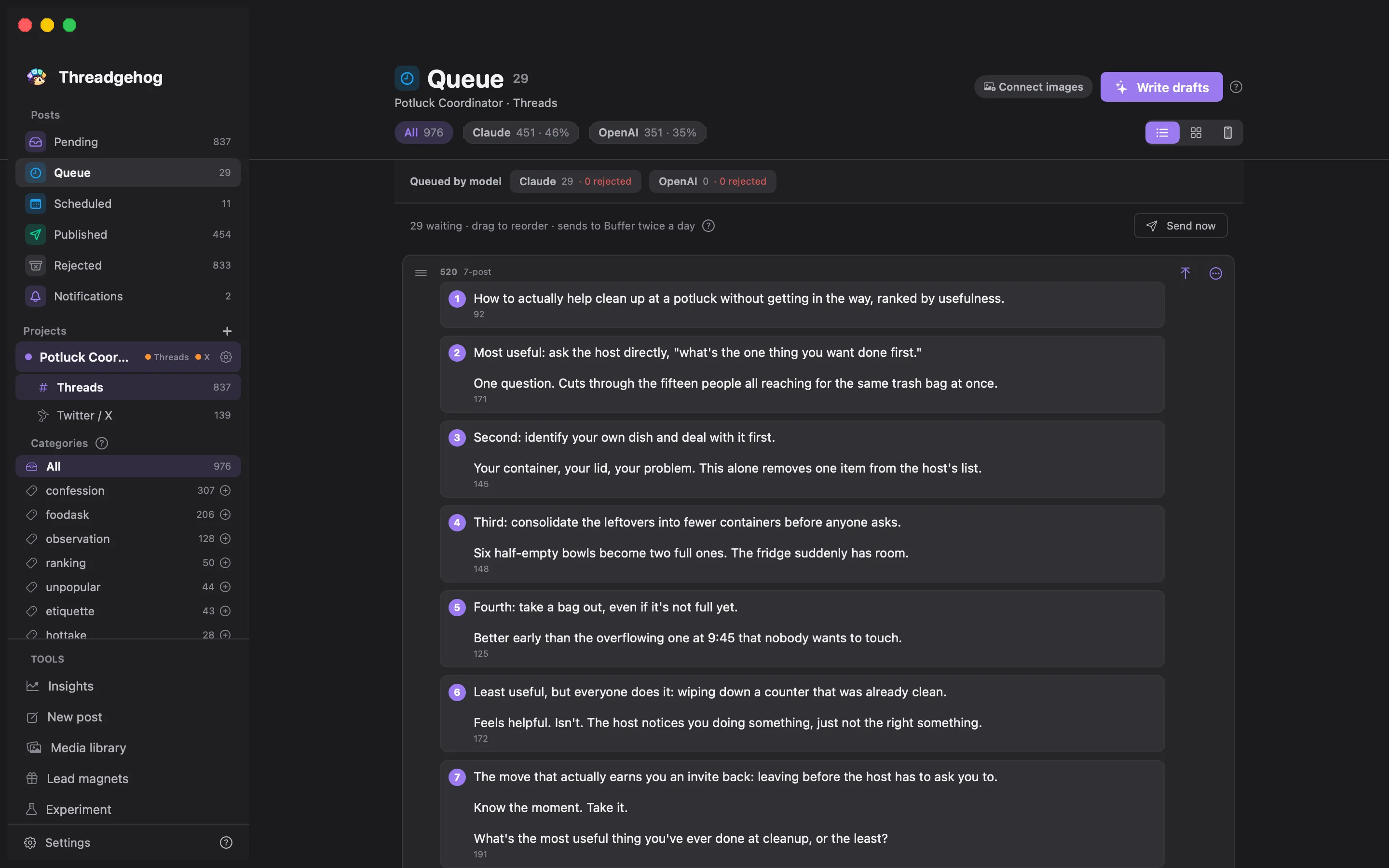
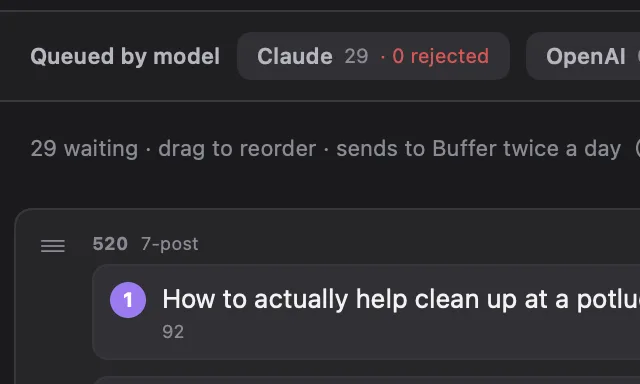
1Sends on your schedule
Approved posts go to Buffer, Typefully, Publer, Metricool or Postiz in your order, from once a day to every hour, while Threadgehog is open.
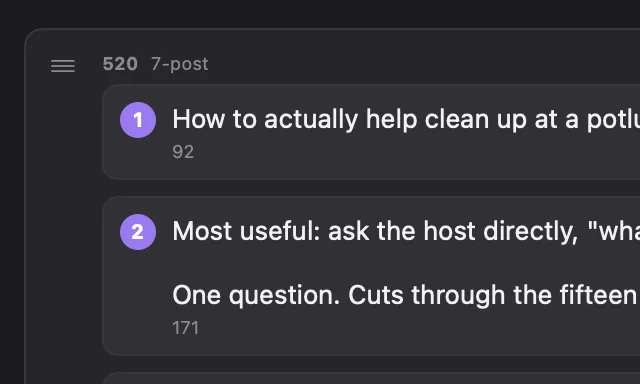
2Drag to reorder
Drag a post up or down to change what goes out next.
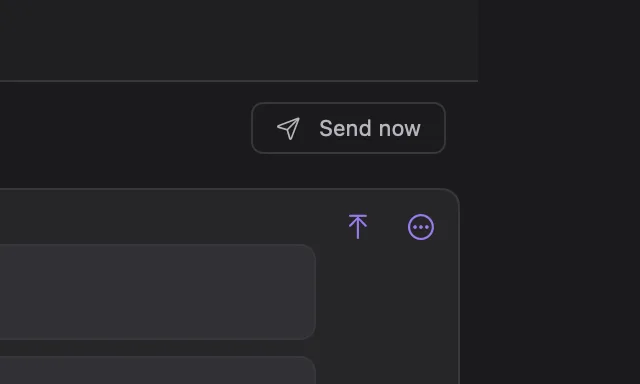
3Send now
Skip the wait and send them right away.
1 of 3
Hover or click a dot to see what it does.Swipe the cards, or tap a number.
Real queued drafts from the Potluck Coordinator account.
Each with its own voice, queue and Threads and X accounts. Solo runs 2, Pro 10, Unlimited as many as you like.
Every plan includes Threadgehog AI drafts. Or connect your own API key for unlimited drafts, or write with your Claude or ChatGPT plan.
Attach your own, or generate one with the images your plan includes, your ChatGPT subscription or your own API key.
Your top posts this month, ranked by the numbers Buffer, Publer and Postiz send back, plus Metricool for X.
Claude Code, Codex, Cursor, Claude Desktop or Gemini CLI can draft, approve and send posts.
A small card in the corner that stays above your other apps. Right arrow approves, left arrow rejects.
Plans only change how many accounts you run, how many AI drafts come included, and how often learning refreshes.
For one or two accounts.
$29 / month
Billed monthly. Cancel anytime.
For several accounts or clients.
$49 / month
Billed monthly. Cancel anytime.
For every account you run.
Lowest cost per draft of any subscription
$79 / month
Billed monthly. Cancel anytime.
Unlimited projects. Pay once, keep it for life.
$1,199 one time
Updates included. After 2 years, keep writing with your own key or Claude or ChatGPT subscription.
Monthly and yearly plans start with a 14-day free trial that includes 50 AI drafts. Cancel before day 15 and you won't be charged.
Start with these ten. The full list is on the FAQ page, and the chat in the corner answers the rest.
No. A brand-new account works. Paste about ten posts from your niche that got plenty of replies, from any account, and Threadgehog writes in that style. The app shows you how to find them. Once your own posts start doing well, paste those and rebuild the brand voice.
No. Every plan includes Threadgehog AI: 300 drafts a month on Solo, 750 on Pro and 1,500 on Unlimited, and the trial includes 50. Only writing a new draft counts. Editing a draft, rewriting it for X and learning from your approvals are free. Paid plans also include images every month: 30 on Solo, 75 on Pro and 150 on Unlimited. If you need more, add an AI pack in the app. You can also write with a Claude or ChatGPT plan you already pay for, through Claude Code or Codex on your Mac. For unlimited drafts, connect your own key instead: OpenRouter with one approval in your browser, or a key from Anthropic, OpenAI, Google Gemini, xAI or Moonshot. You pay the provider directly, and Threadgehog charges nothing per post. Your key is stored in your Mac's Keychain. When Threadgehog writes, what that request needs (your brand voice, your brief, your rules, example posts and the post itself) passes through Threadgehog's server to the AI provider, and the server stores none of it. Your drafts, queue and media are stored on your Mac.
Yes, from Threadgehog 1.1. In Settings > AI, pick Use my Claude or ChatGPT subscription (setup starts on it, marked Recommended), then Claude subscription (Pro or Max) or ChatGPT subscription (Plus or Pro). The app shows two Terminal commands: one installs Claude Code or Codex, the other signs you in to your own account. Then press Test. Your plan writes your drafts, with no API key and nothing extra to pay us, and each draft counts toward your plan's limits. When you reach one, Threadgehog says so and you can switch to Threadgehog AI. Threadgehog never sees your Claude or ChatGPT login, and it runs Claude Code with its tools turned off, so it can't touch your files. It connects through Claude Code and Codex, which run on your Mac.
Connect the scheduler you already use: Buffer, Typefully, Publer, Metricool or Postiz. Threadgehog sends the posts you approve to it on the schedule you pick: once a day, twice a day, every 6 hours or every hour, while the app is open. Threadgehog picks the time for each post from your posts a day, spread from 9 AM to 9 PM, so nothing needs setting up inside the scheduler, which then publishes them to Threads and X. Buffer, Typefully and Postiz post multi-post threads as threads. Publer and Metricool take single posts, so a short thread is joined into one post and a long one stays in Pending.
Yes. Turn on auto-approve during setup or in Project settings. It waits until Threadgehog agrees with your choices often enough, and Project settings shows how close it is, from Just started to Ready for auto-approve. From then on, drafts it's sure you'd approve skip Pending and go straight to your Queue, which Threadgehog sends to your scheduler, and the rest wait in Pending. Pick how many posts it writes a day, from 1 to 500, and it writes them on its own while the app is open. More posts use more of your monthly AI drafts, more of your own key's usage (cheap, because it is only text), or more of your Claude or ChatGPT plan's limits. Reviewing a batch once a week or once a month still gets better results: it learns from what you approve and reject, and auto-approved posts are left out of that.
Only as many as you choose. Set it to 25% and about 1 in 4 posts point people to your product and end with your link. The rest are regular posts in your brand voice, so the feed does not read like ads. The X version keeps the link too, and in a thread the link goes in the last post.
Yes, in two ways. When it writes new ideas and the daily batch, up to 8 of your most recent approved posts go along as examples. And with Threadgehog AI, every 3 days on Solo, every day on Pro, or up to 3 times a day on Unlimited, it compares what you approved with what you rejected and rewrites the rules for the next batch. With Buffer, Publer, Postiz or Metricool, most new drafts also build on what your top posts share.
Pick a plan and start your 14-day free trial. You aren't charged until day 15, and you can cancel anytime before then from your account page. The trial includes every feature and 50 AI drafts.
A Mac with Apple silicon (M1 or later) and macOS 14 or later. One seat activates one Mac.
Yes, anytime, from your account page. Cancel before day 15 and your trial ends without a charge. After the trial, you are not charged again, and your plan keeps working until the end of the period you paid for.
Download Threadgehog, say what you're promoting, and paste posts that worked.
Download for Mac14-day free trial. Cancel before day 15 and you won't be charged. Apple silicon Mac, macOS 14 or later.
 Buffer
 Typefully
 Publer
 Metricool
 Postiz